


-33%


Women High Neck Lace Lantern Sleeve
$40.00
$60.00













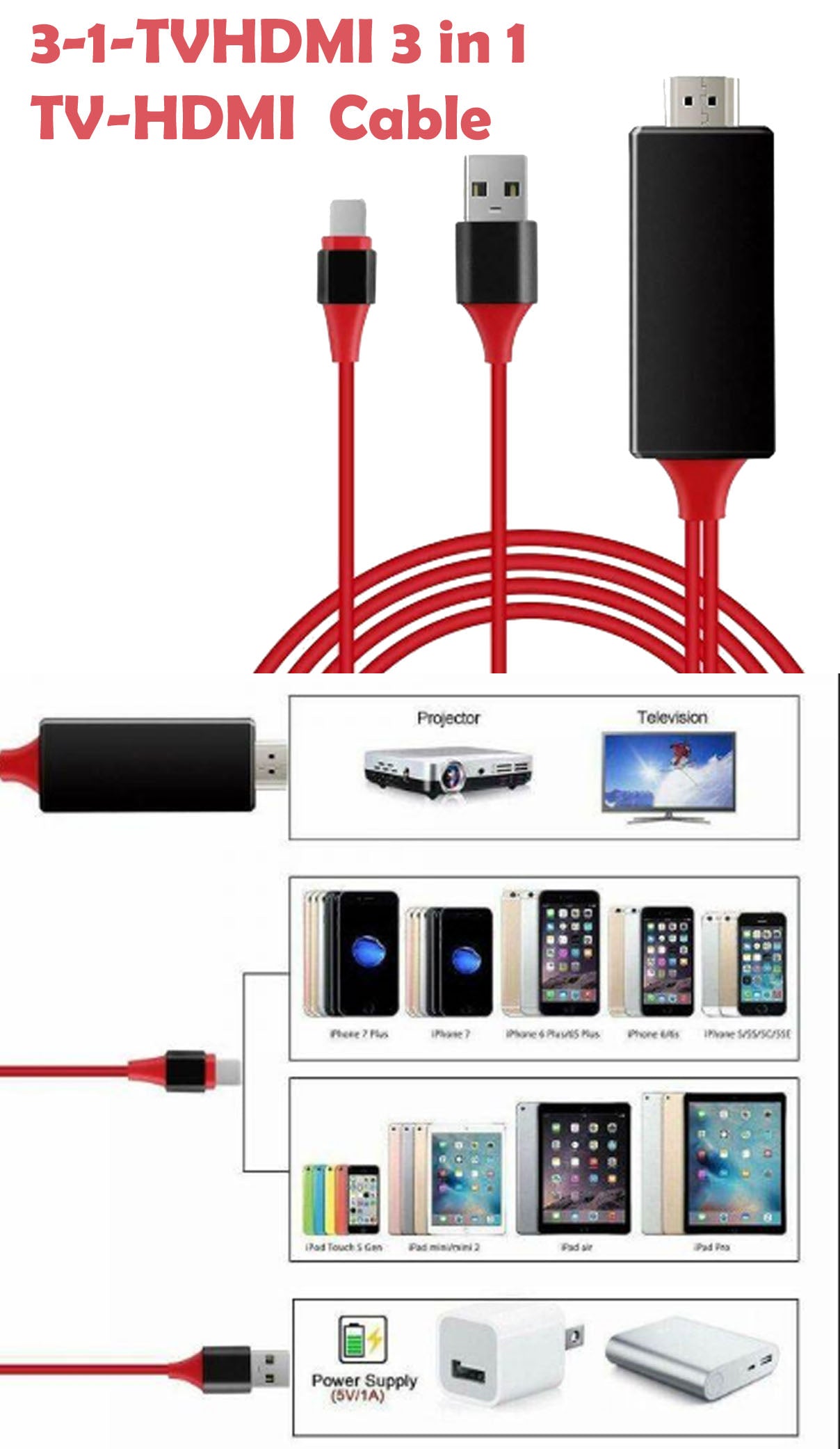











The Docking Station with Video offers desktop computer users the convenience of accessing the peripherals within reach, eliminate the hassle of connect or disconnect the peripherals from the rear of a computer.
With the video port your computer can be connected to one more monitor, LCD or projector. The connected monitor can be configured to either mirror your primary screen, or extend the Windows desktop allowing visibility of more applications at the same time. No more stacking windows within the confines of a single display.
* stand is not included
Dust or wipe clean with a cloth dampened with water once a week. Be sure not to leave water spots on the surface. These water spots will dry and could possibly leave permanent marks.
Clean stains/spots using the following steps: Dampen a soft cloth with a mixture of hot water and liquid dishwashing detergent. Wring the cloth as much as possible to remove excess liquid. Rub the surface lightly in a circular motion. Dry the surface immediately with a clean, soft towel.