


-33%


Women High Neck Lace Lantern Sleeve
$40.00
$60.00




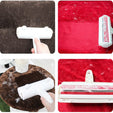








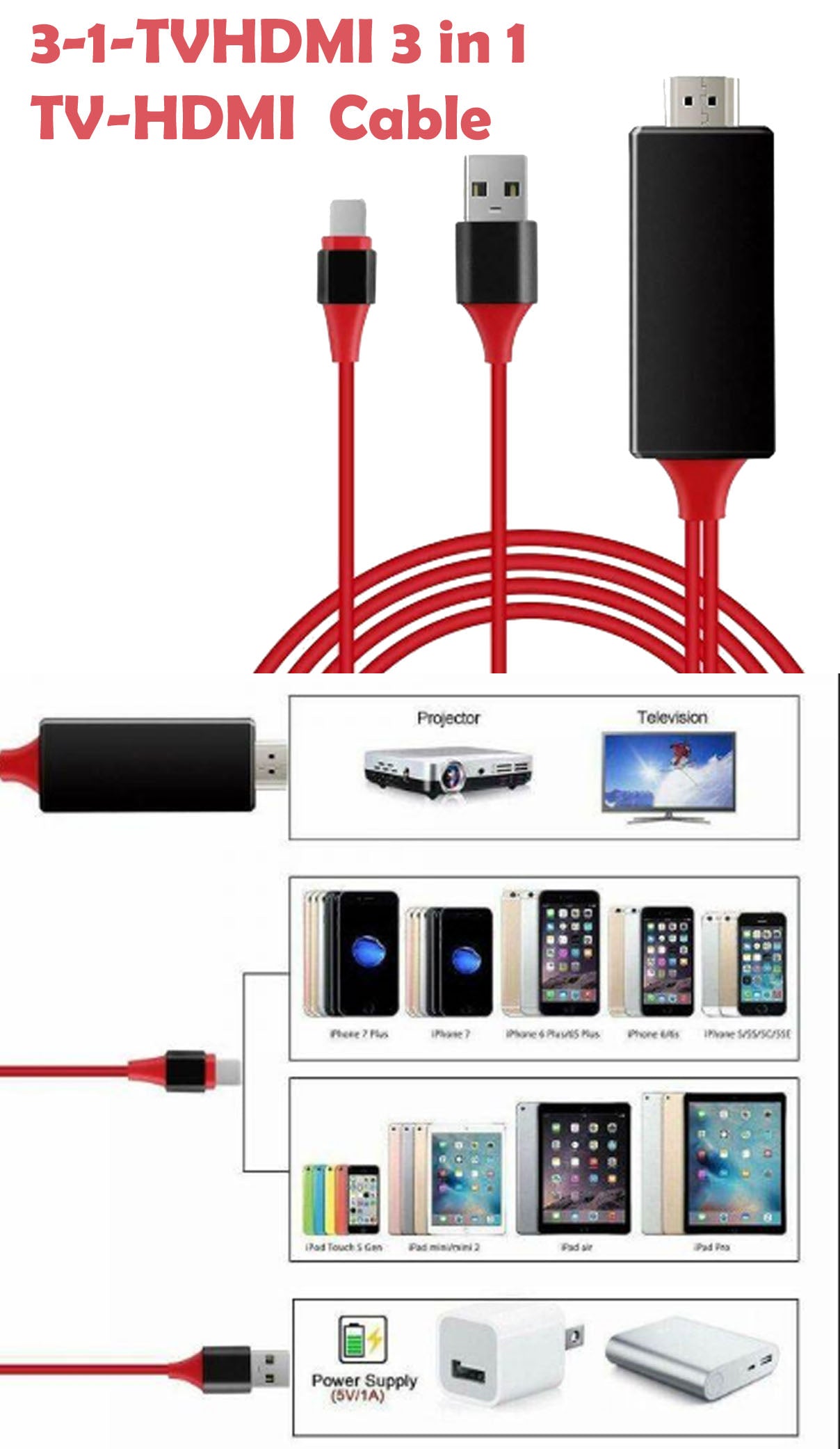










The USB 2.0 Graphic Adapter allows you to connect an extra monitor to your desktop PC or laptop's USB port. The connected monitor can be configured to either clone your primary screen, or extend the Windows desktop allowing visibility of more applications at the same time.
The USB 2.0 Graphic Adapter driver used to control the extra screen uses very little computer resource and offers a vast array of screen resolutions and color depths. This ensures that there is little difference in performance between a directly connected screen and a screen connected through the USB 2.0 Graphic Adapter
The USB 2.0 Graphic Adapter also supply one audio out adaptor.
The USB 2.0 Graphic Adapter supports up to six simultaneous displays, including widescreen displays, extending your desktop and your horizons. It operates at a high resolution of 1600x1200/1920x1080.
Office Use:
Mobile Use:
Graphic Use:
Data Entry Use:
Wall Street:
Entertainment:
Features
Requirements
Package Content
Dust or wipe clean with a cloth dampened with water once a week. Be sure not to leave water spots on the surface. These water spots will dry and could possibly leave permanent marks.
Clean stains/spots using the following steps: Dampen a soft cloth with a mixture of hot water and liquid dishwashing detergent. Wring the cloth as much as possible to remove excess liquid. Rub the surface lightly in a circular motion. Dry the surface immediately with a clean, soft towel.